
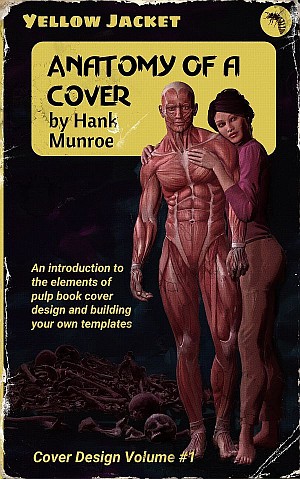
 BEFORE WE MAKE a start on creating images, we need a canvas. That is to say, we need to define our cover.
To this end, we are going to build two templates. The first is a full cover, that is to say, front, back, and spine. The second is a display cover, featuring only the front and is where I had wear and tear.
Full Cover Template
First we need to decide on that canvas. I have elected for the 5x8 cover from Amazon’s CreateSpace, downloading it spaced for 200 pages. If you know the number of pages you need, then that’s grand, select what you want. However, it is easy enough to modify a cover design for a different spine size, so don’t worry about it.
Create a new document with this template in your photo editor. Your next step is to add some guide lines to mark out the spine, the bleed, and the safe zones. If you look to the layers palette on the right, you’ll see the CreateSpace template on the bottom layer and then two groups. The grunge group is not something to worry about yet but in between this and the base layer is were we will create a series of groups, each one being a different cover design. To start with, we’re going to create something fairly free form.
